Digital Graffiti — Stenciling a Jekyll Theme
Having previously settled on Jekyll as the engine and Cloudflare/GitHub Pages as the deployment and hosting infrastructure, the next logical step was “Look and Feel.” I had originally proportioned my time across content, technical astronautics, and styling. The default Minima theme was functional, but it had the sterile, uninspiring look of a blank gray concrete underpass. To give my thoughts a visually premium permalink, it was time to carve out an identity on this digital canvas. It was time for a bit of digital graffiti.
My search for a clean, visually elegant card-grid aesthetic led me to Artem Sheludko’s adam-blog template. The theme features a minimalist 2-column post card grid, a built-in search widget, an inline tags cloud, and an integrated profile author box. Since the theme is distributed as a standalone repository rather than a packaged Ruby gem, the integration process was not a simple adhesive decal, but a careful, multi-layered stencil process—spraying and adjusting individual coordinates file-by-file.
I checked out a local theme branch off main and began the stenciling process. The work can be broken down into three distinct steps: carving the scaffolding, adapting content, and resolving visual overspray.
Step 1: Scaffolding the Canvas
First, I purged the minima gem from the Gemfile and introduced jekyll-paginate to support the grid’s page splits. I then cloned the theme’s templates and restructured the site layout directories. The theme’s layouts (default, home-page, post) and assets (SASS, jQuery, custom search scripts, and FontAwesome icons) were copied over.
A unified head.html was constructed, merging the original favicon references and the theme’s Google Fonts integration (Montserrat for headings and Lato for body copy). In _config.yml, I removed the default gem theme directive and declared the new metadata parameters, social handles, and pagination routes expected by the theme.
Step 2: Adapting Content & Spraying Grid Tiles
The theme expects an img: key in each post’s front matter to populate the post’s background tile on the homepage. I mapped the existing post hero images to this field and converted the old categories: front matter into a flat array of tags: to support the theme’s dynamic tag cloud. To hide the Todo page from the main header navigation, I removed the title front-matter attribute so it remained accessible exclusively via direct link.
The biggest challenge in the layout was the home page itself. The theme’s Sass files were engineered around a very specific HTML structure (.post-card-box, .post-card, .post-card-image, and .post-card-body). I rewrote index.html to map exactly to this layout, immediately restoring the gorgeous, responsive 2-column image tile cards. Furthermore, I created a custom search.json template at the root so that the theme’s client-side javascript search widget could compile and query the full post index instantly.
Step 3: Modernizing Analytics & Personalizing Identity
During the visual audit, I identified a critical hidden bug in the theme’s tracking code. It was built around the legacy Universal Analytics (analytics.js) code, which Google permanently deprecated and shut down in July 2023. To ensure active tracking under the modern standard, I upgraded _includes/analytics.html to support Google Analytics 4 (gtag.js) and activated it with my new Measurement ID (G-0XNWJLNNTD).
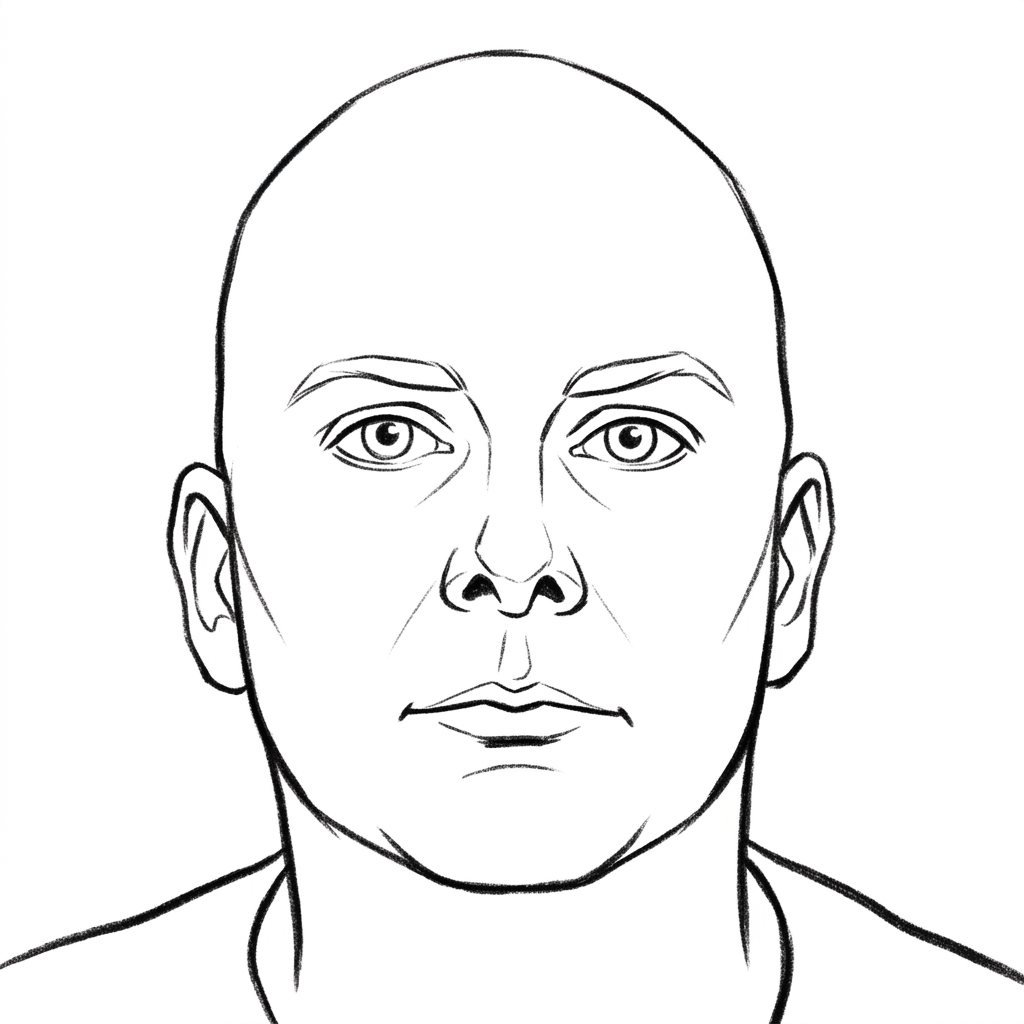
Finally, I wanted to replace the default profile photo placeholders. While LinkedIn was protected against automated scrapers, I obtained a high-resolution portrait from a file on my desktop and utilized an image generation tool to transform it into a stylish black-and-white hand-drawn pencil outline sketch. Staged inside assets/images/, it now serves as a clean, custom personal spray tag on my About page and author headers.
The ritual of incrementally refactoring, auditing locally, and resolving visual bugs on a separate branch before merging back to main resulted in a highly reliable and satisfying workflow. Stenciling the visuals of the site has made the product feel significantly more premium, creative, and uniquely mine.
If you are starting your own web layout project, I highly recommend checking out the official Jekyll Project Homepage for standard documentation, and exploring Artem Sheludko’s portfolio for inspiring, minimalist design templates.
You can find the source code for this blog on GitHub @ odious-code / site